THE PLAYBOOK · CHENXIJIXIE
The essentials of playing Classic Sudoku
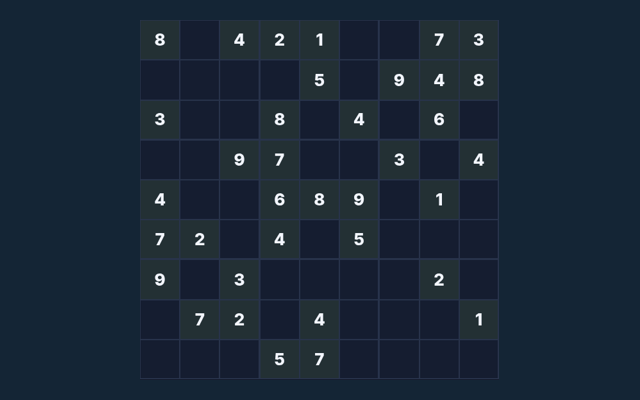
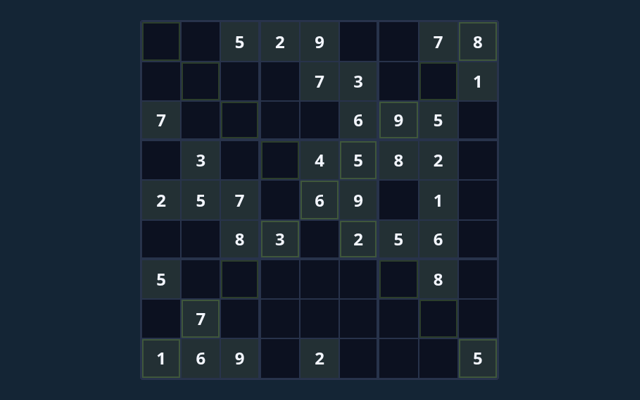
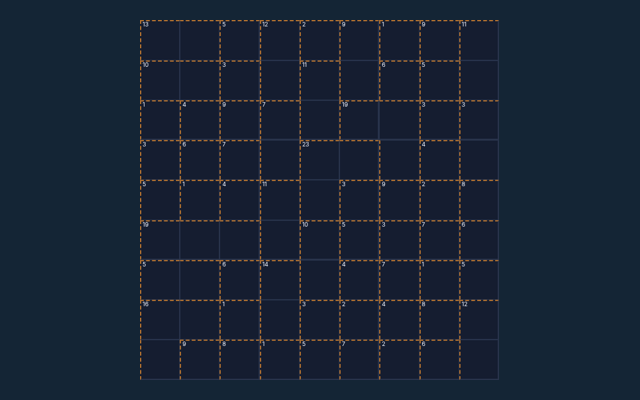
Open Classic Sudoku, check the instructions and begin a round. Fill all cells with 1–9; do not repeat a symbol in any row, column or region. Use the example below to understand a decision. Choose a comfortable screen position before beginning. Use the example below to understand a decision.
Build familiarity through play
Read one step at a time and try it on the playing area. Match the instruction to the control you use. Use the example to check your reasoning.
The purpose of your moves
Fill all cells with 1–9; do not repeat a symbol in any row, column or region. Use the instructions to see which actions move you towards it. Review the board or playing area as it changes.
Step by step
- Select an empty cell. The original clues cannot be edited.
- Choose a symbol from the number pad, or type it on a keyboard.
- Turn Notes on to record candidate symbols without committing an answer.
- Use Check entries to check your filled values. Hint reveals one value from the verified solution.
- Complete the board, or choose New puzzle for another board.
Input guidance
Tap or click a cell and use the number pad. Keyboard: arrows select cells; digits (and A–G on 16×16) enter values; Backspace erases. A careful first action helps you become familiar with the layout. Return to the rules if the result is unexpected.
Put the rules into context
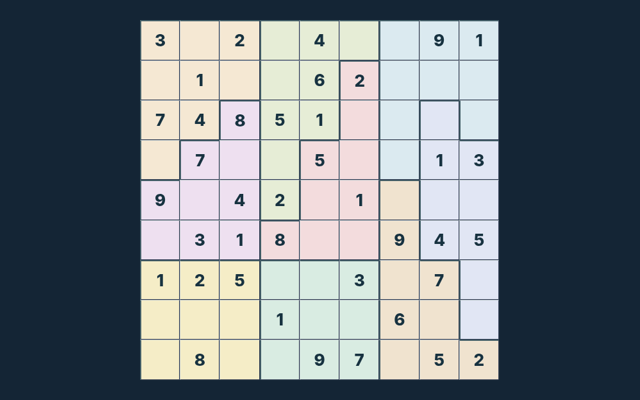
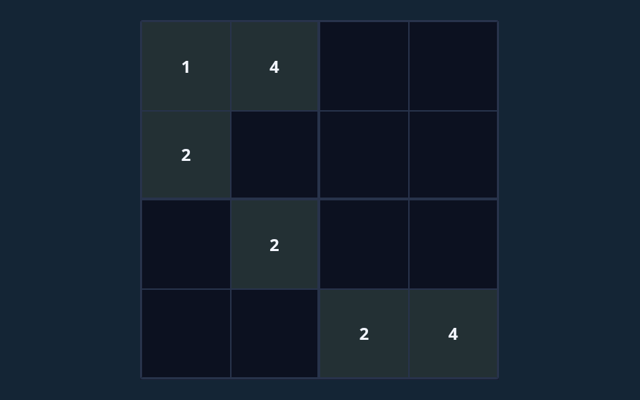
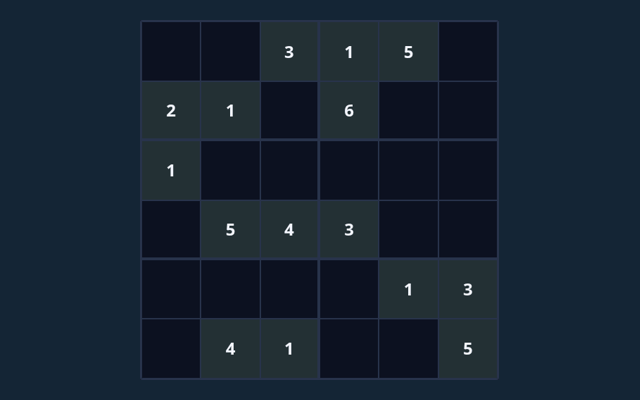
On one puzzle in this collection, row 1, column 3 has 2 in its solution. Read the clues on your current board before using that value; another puzzle can need a different entry. Compare this with the rule that governs the move. Look for the relevant detail.
Watch out for this
Notes are reminders, not final entries. A full board only counts as complete when it satisfies every rule. Take a moment to reassess the position before continuing. Choose one rule to keep in mind for this round. Apply it consistently rather than guessing what another version might allow.
A few questions answered
For my first round, what is the goal of Classic Sudoku?
For clarity: Fill all cells with 1–9; do not repeat a symbol in any row, column or region.
While learning, how do I control Classic Sudoku?
Here is the relevant explanation: Tap or click a cell and use the number pad. Keyboard: arrows select cells; digits (and A–G on 16×16) enter values; Backspace erases.
For a quick reminder, what example helps explain Classic Sudoku?
For clarity: On one puzzle in this collection, row 1, column 2 has 3 in its solution. Read the clues on your current board before using that value; another puzzle can need a different entry.
When I return, what should I watch out for in Classic Sudoku?
The key detail is this: Notes are reminders, not final entries. A full board only counts as complete when it satisfies every rule.
When I return, what format does Classic Sudoku offer?
Here is the relevant explanation: Play using the solo mode shown on this page. Read the controls before starting a new round.
For this browser game, which play mode does Classic Sudoku use?
For clarity: The mode on this page is Solo. Same-device play uses one screen; this game library does not provide internet matchmaking.